

MCP
Bring your own tools.
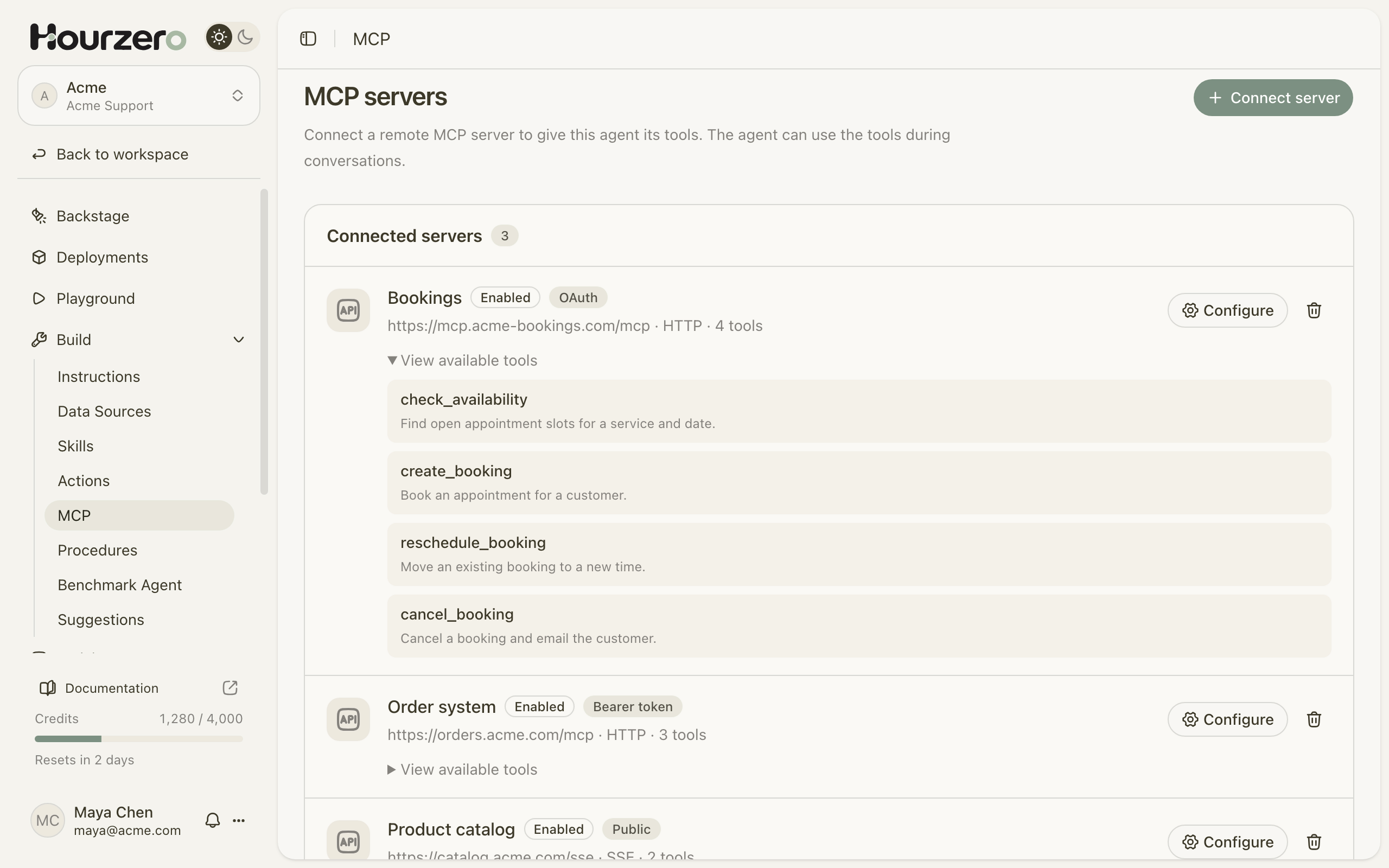
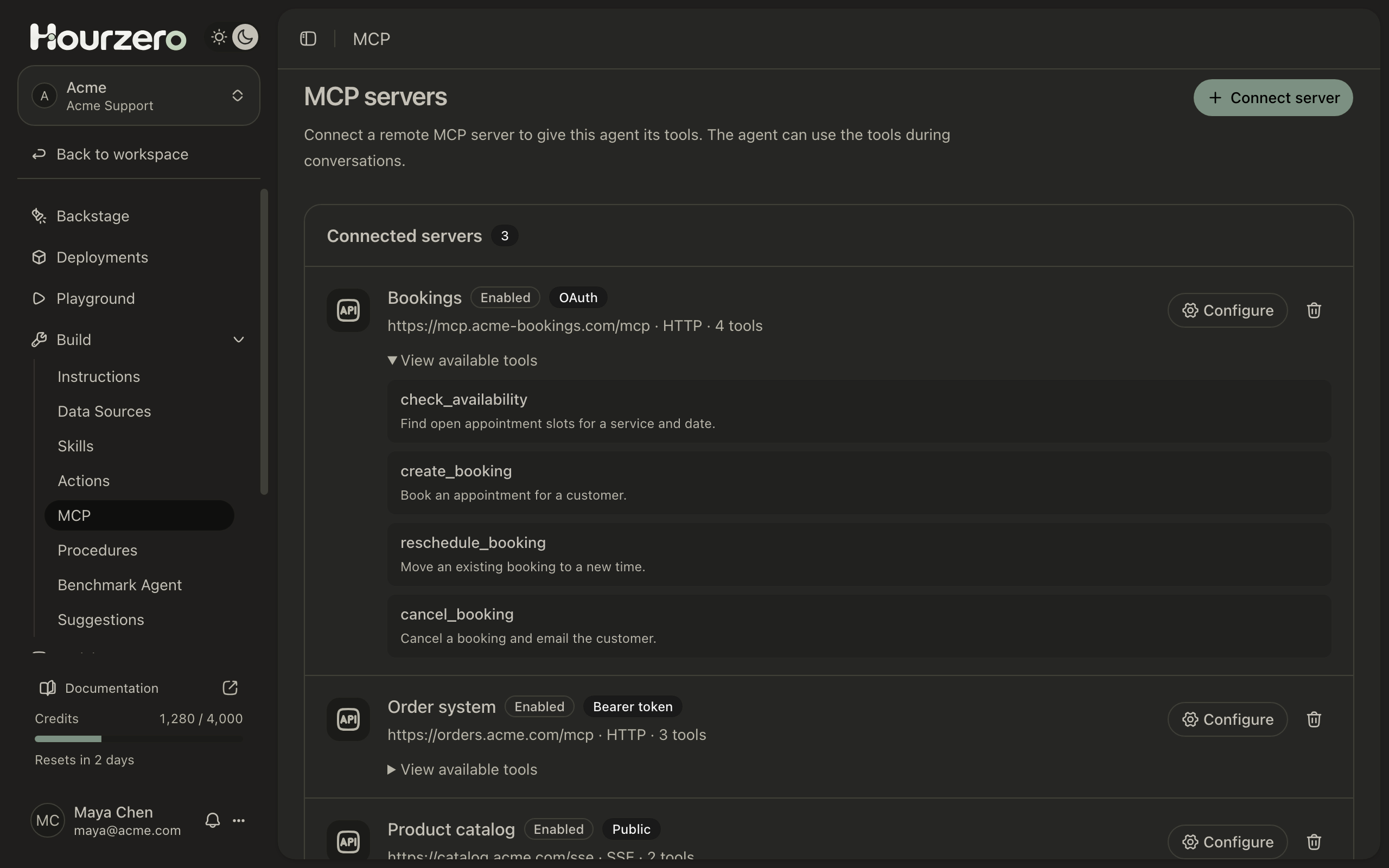
Connect a remote MCP server and your agent can use its tools in conversations, like checking availability or moving a booking in your own systems.

Connected in three steps
- 01
Paste the server URL
Any remote MCP server on a public HTTPS address, over Streamable HTTP or server-sent events.
- 02
Sign in if it asks
Add a bearer token or sign in with OAuth. Public servers need nothing.
- 03
Let it get to work
Hourzero finds the server's tools, and your agent uses them when a conversation needs one.
Real work, right in the chat
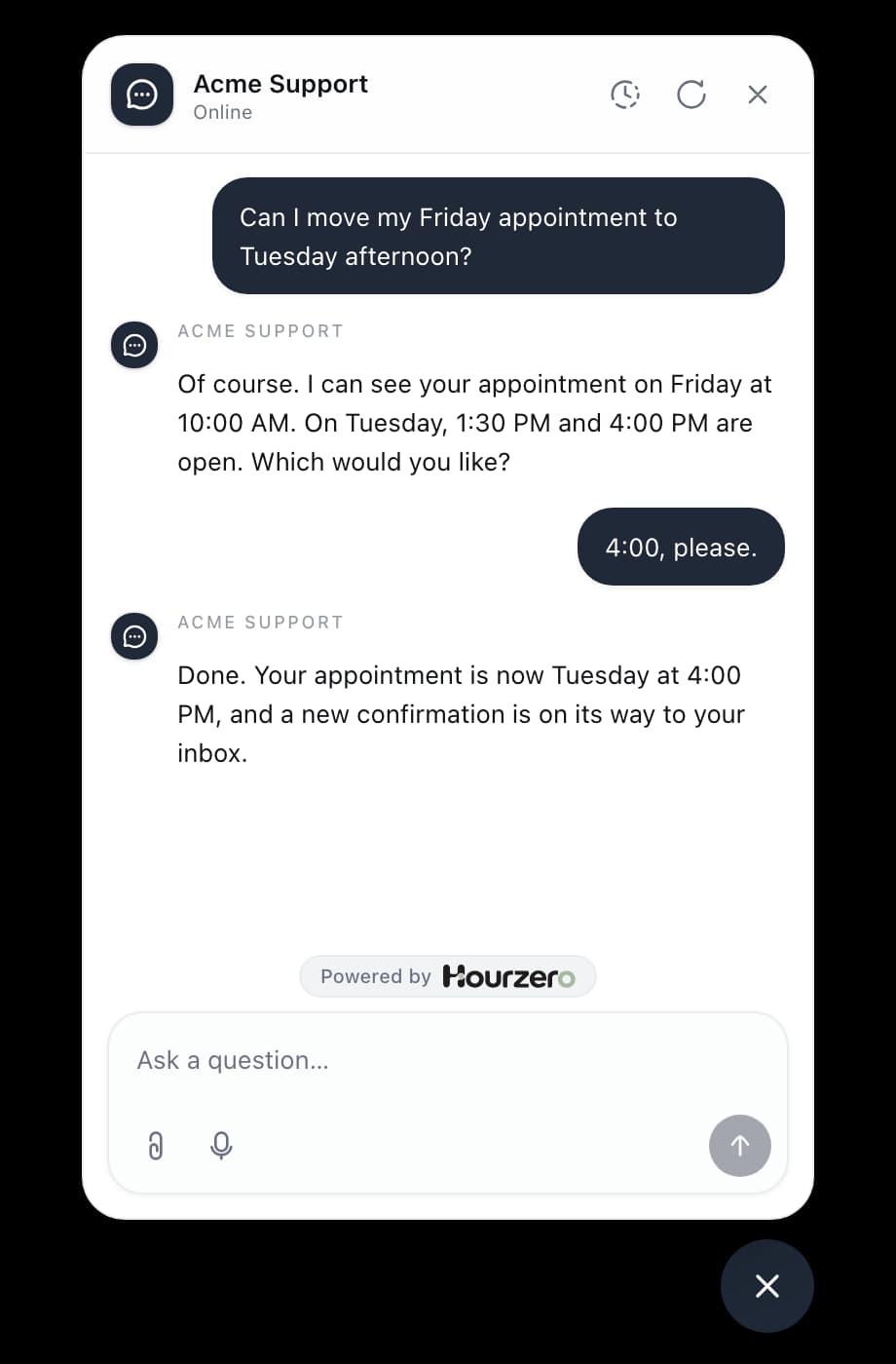
Your agent checks what's possible, makes the change, and tells the customer what it did, without sending them anywhere else.

Safe to plug in
Tool changes need your OK
If a server changes its tools after you connect it, your agent stops using that server until you save it again.
Live when you publish
New connections start in your draft. Each channel picks them up only when you publish it.
Credentials stay sealed
Tokens are encrypted, and requests only go to the server you added, over public HTTPS.

Ready when your customers are
They're already asking. Train an agent on your site and have it answering by this afternoon.
- Free plan
- No credit card needed