

Widgets
Show, don't tell.
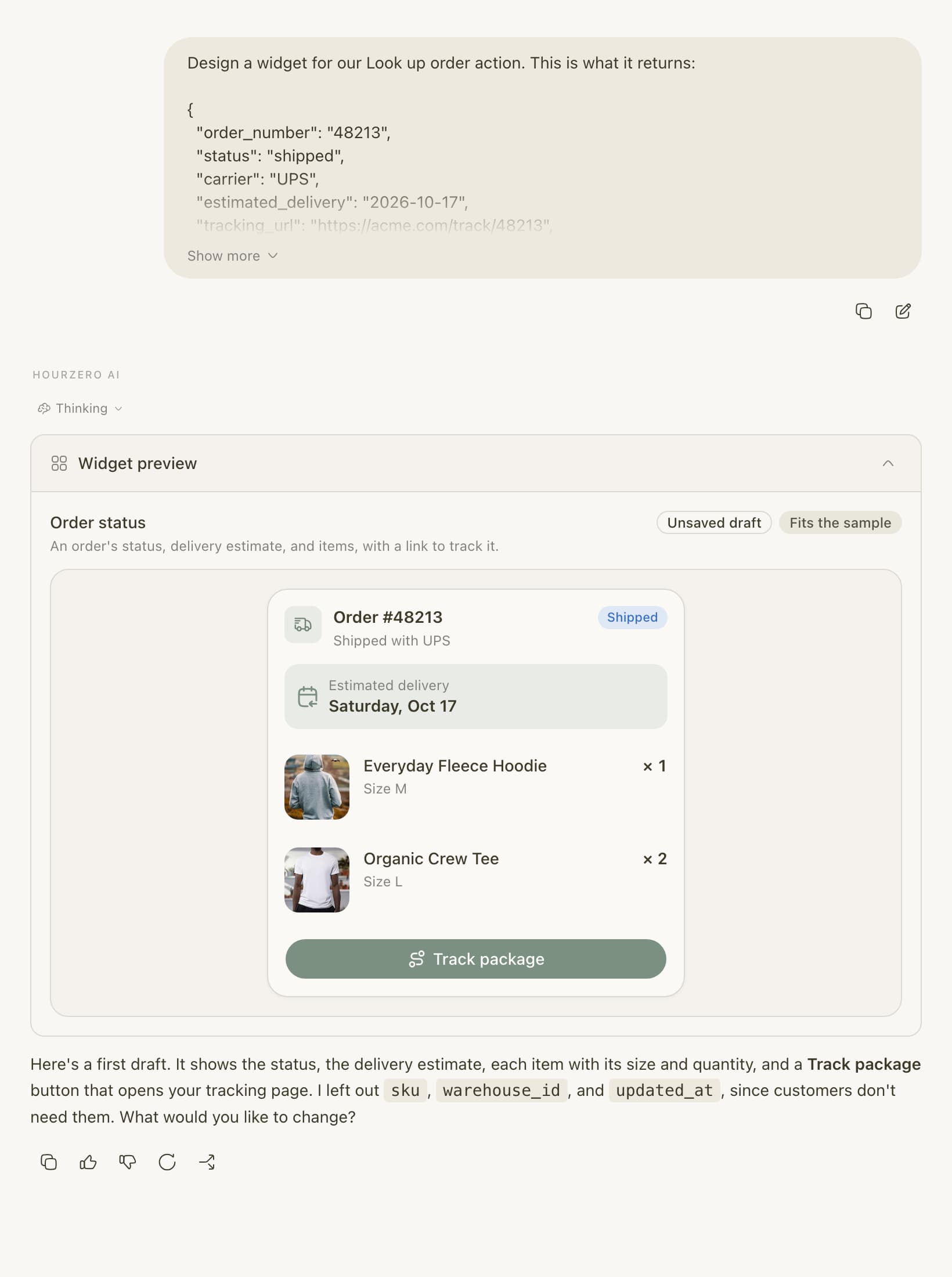
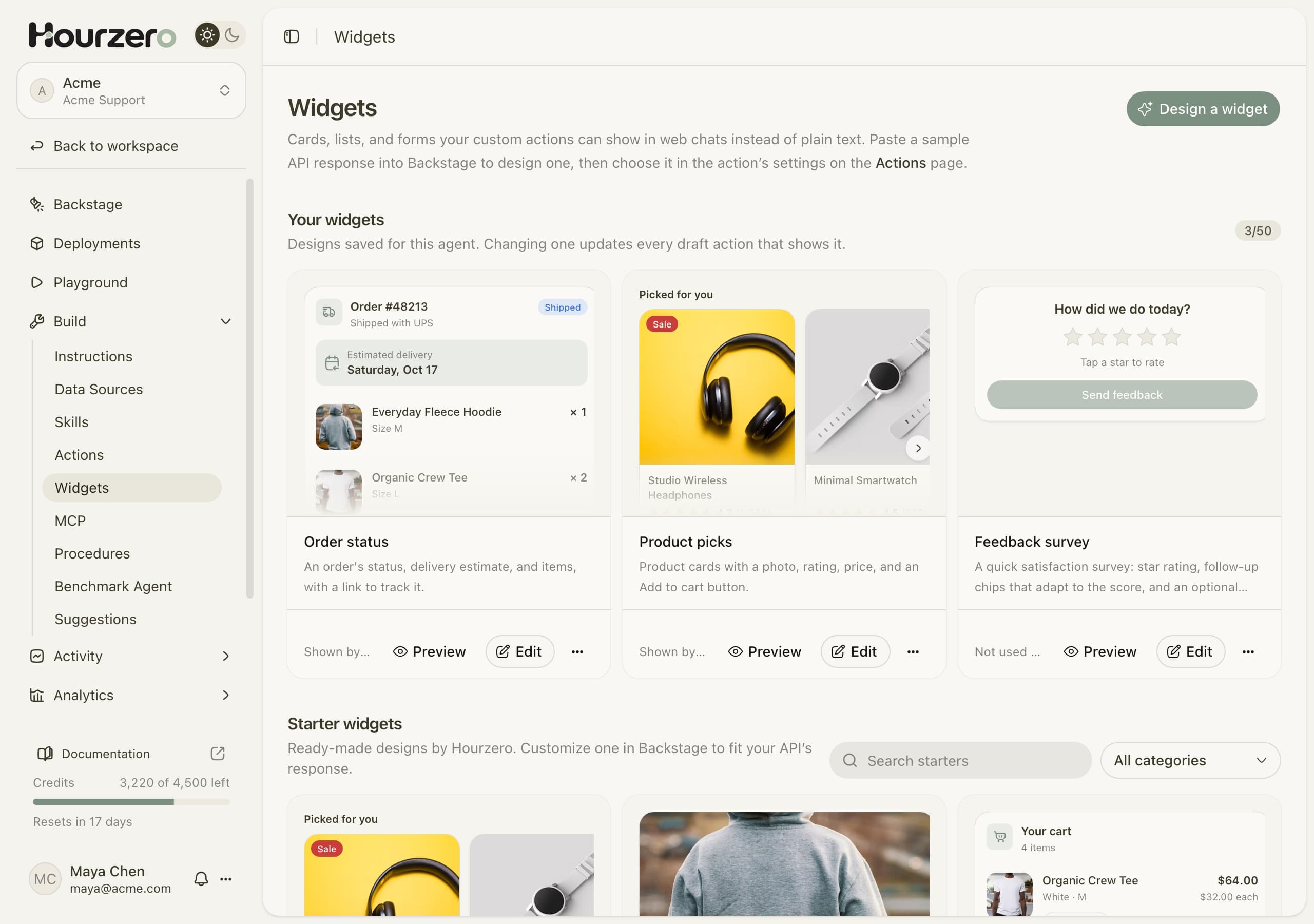
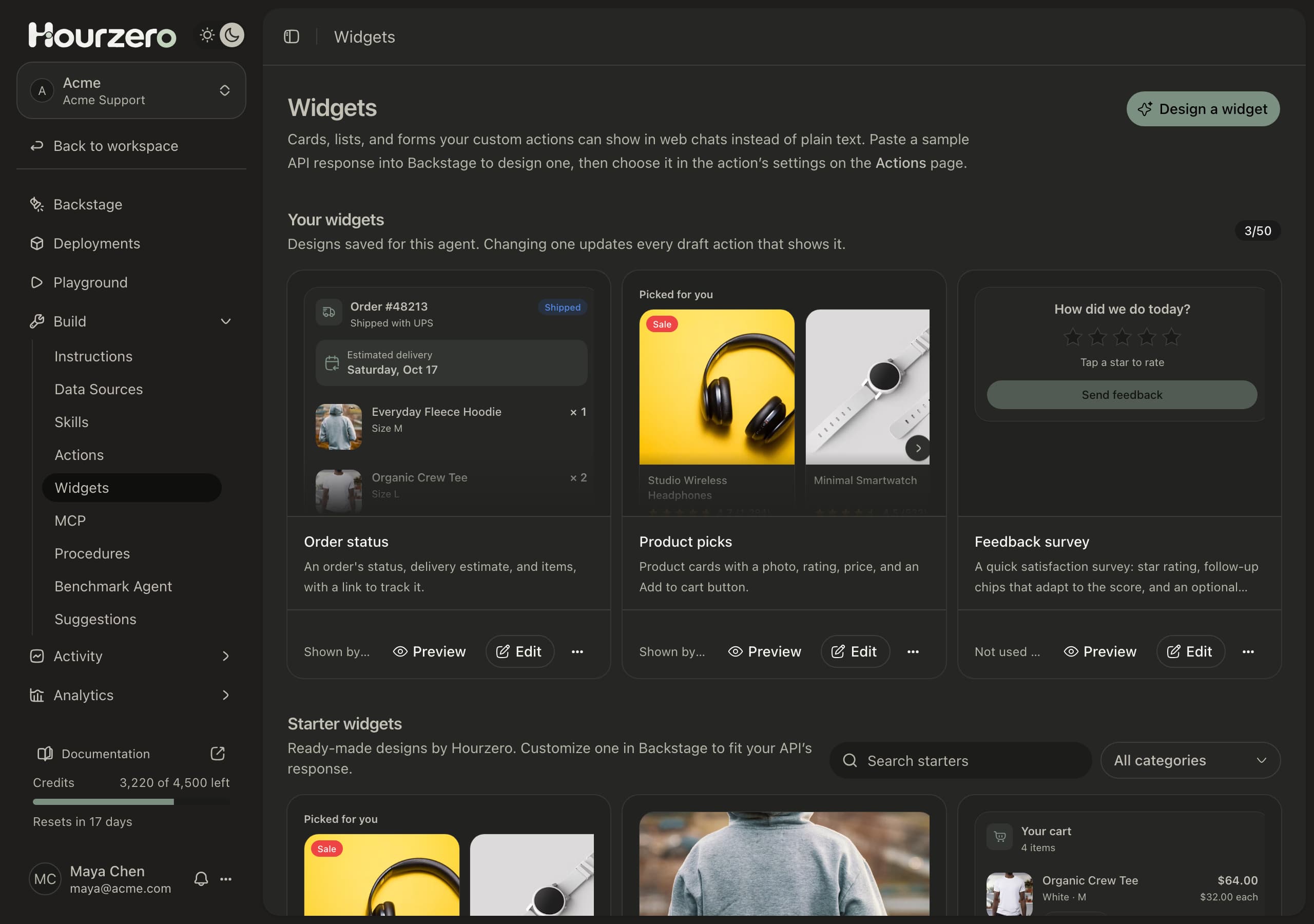
Widgets turn what your actions return into cards, lists, and forms customers can use right in the chat. Describe one to Backstage, or start from a template.

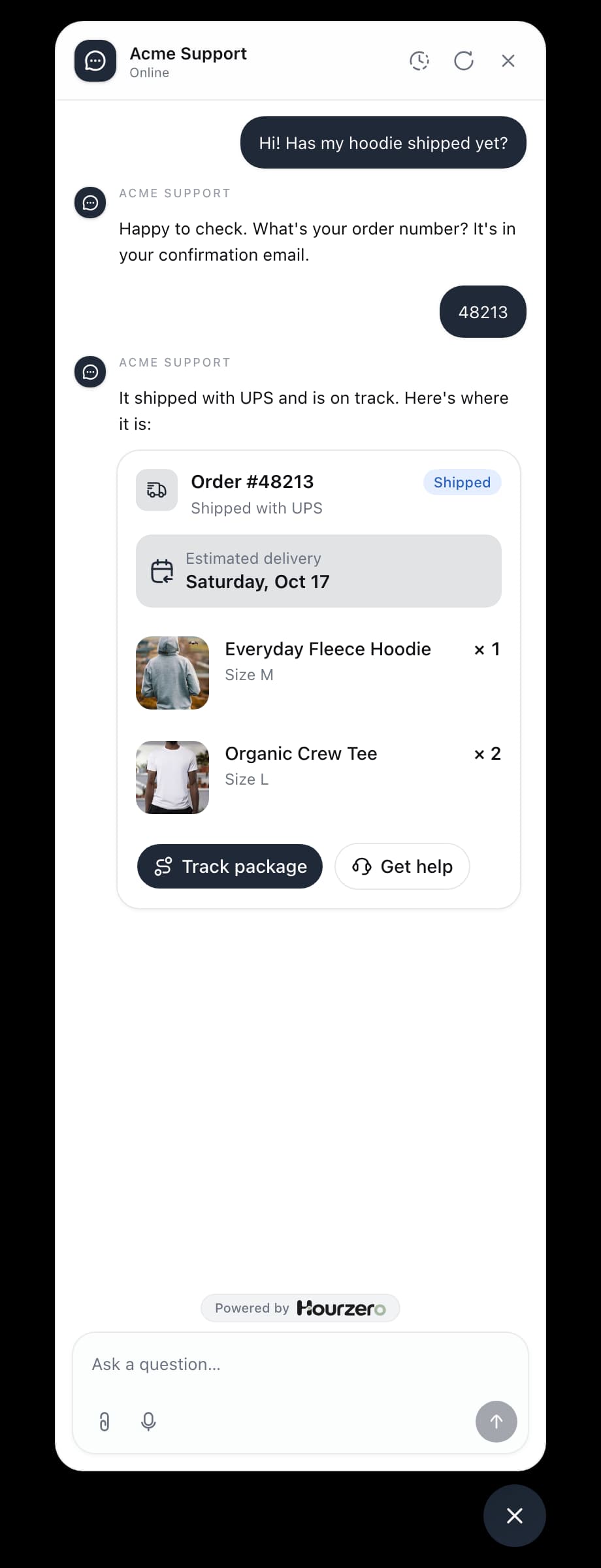
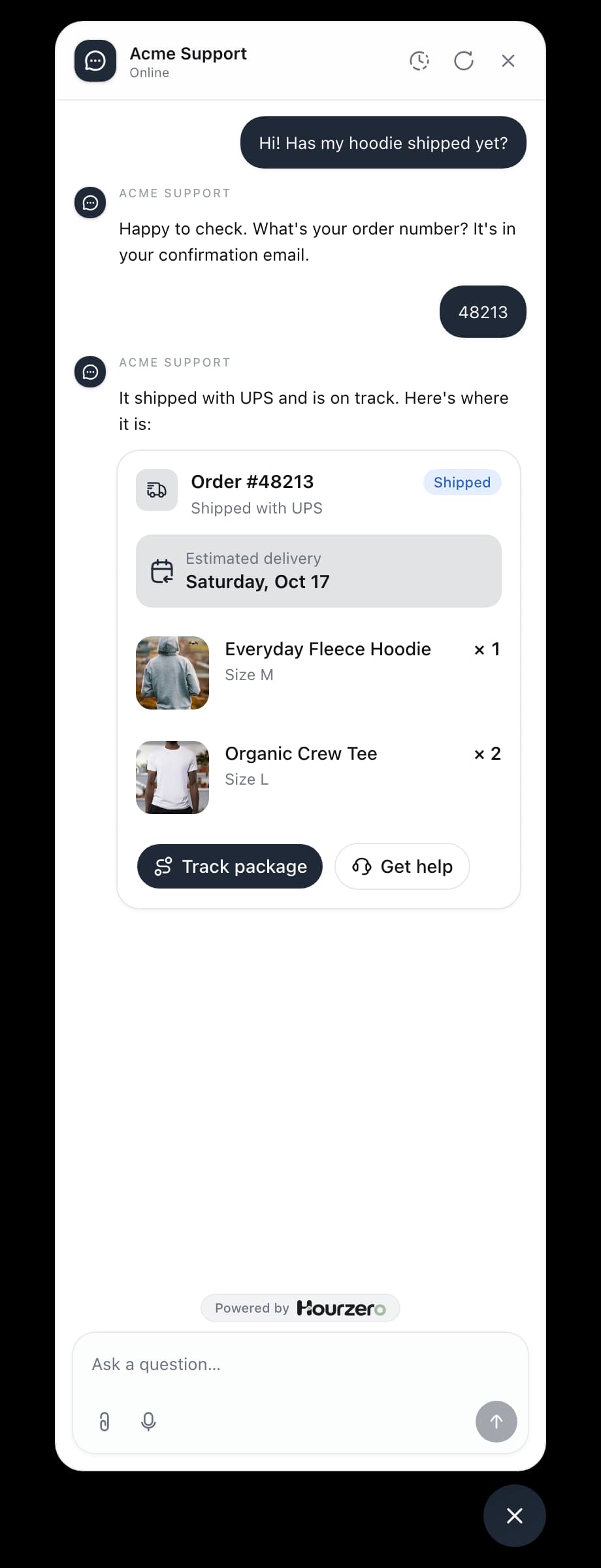
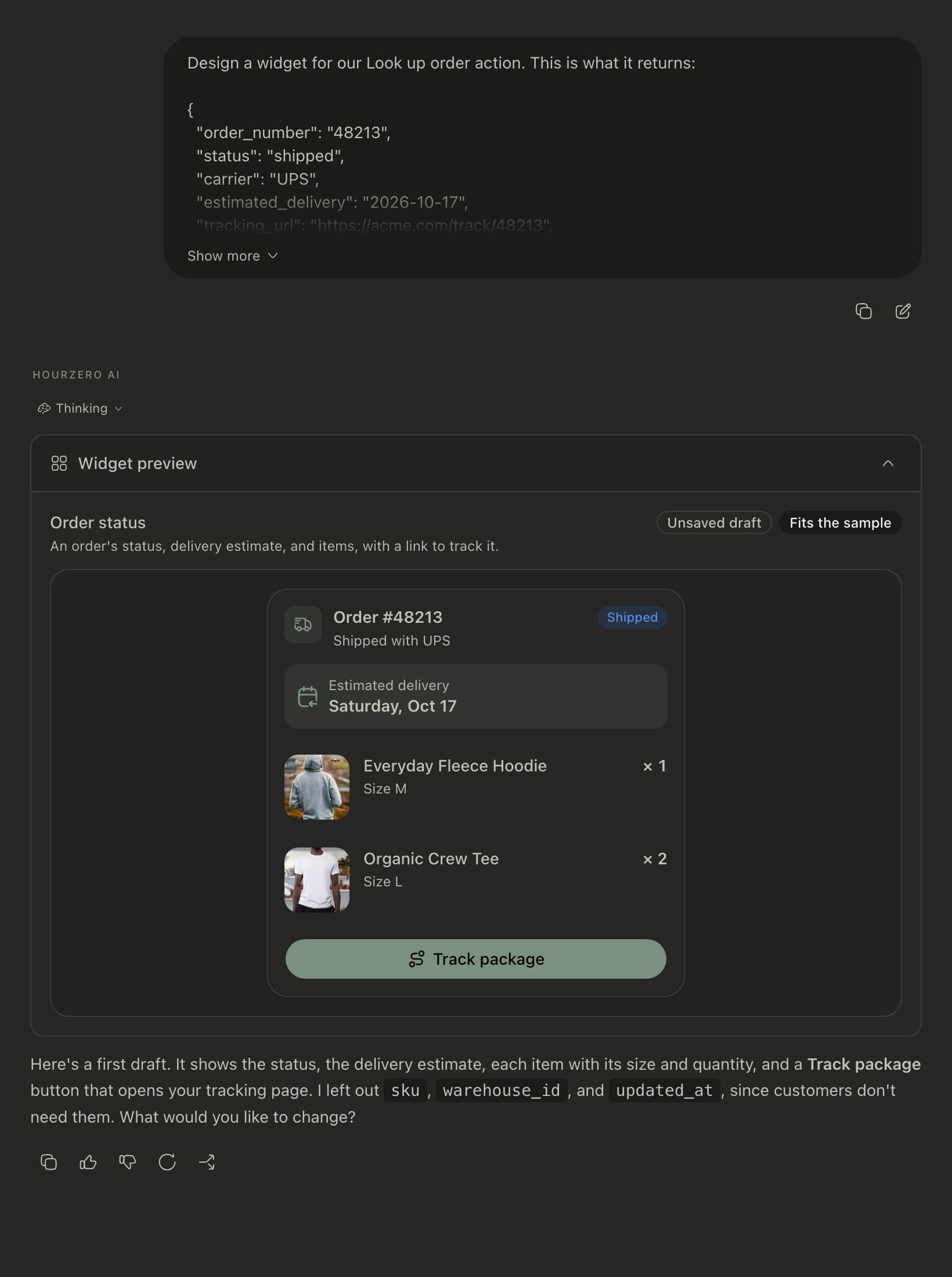
Track an order
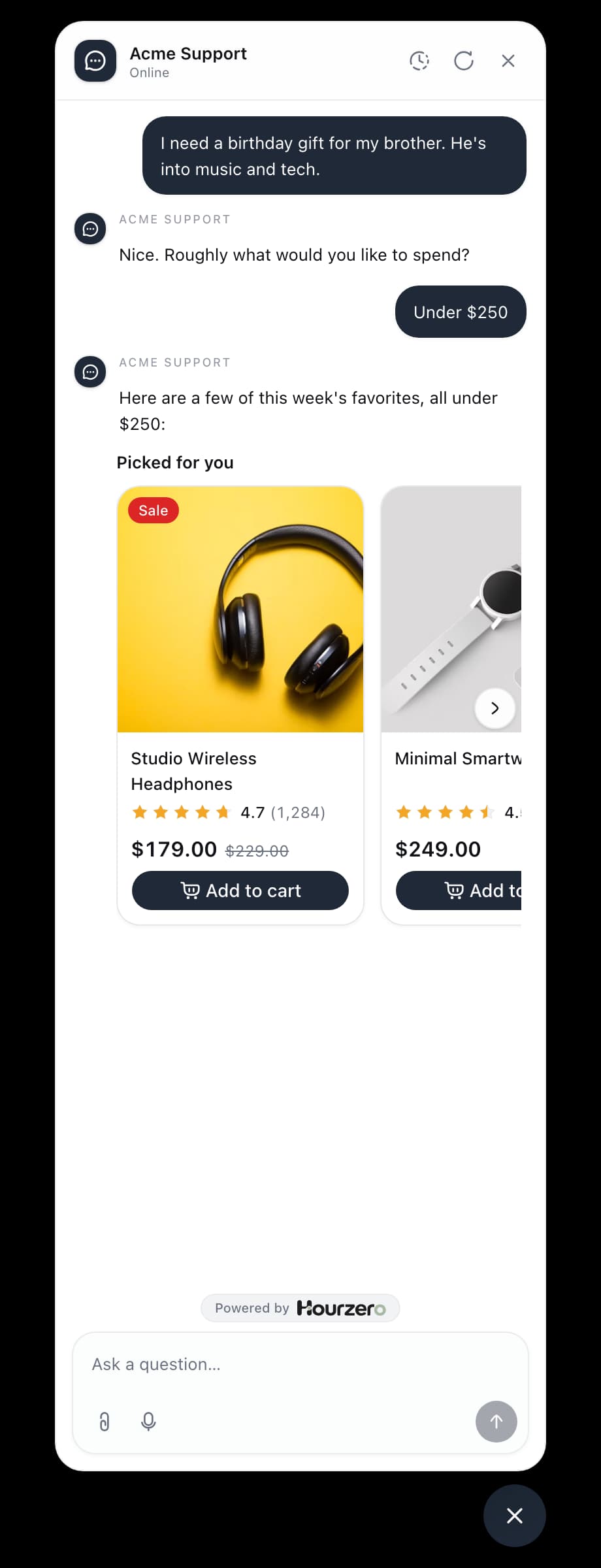
Suggest products
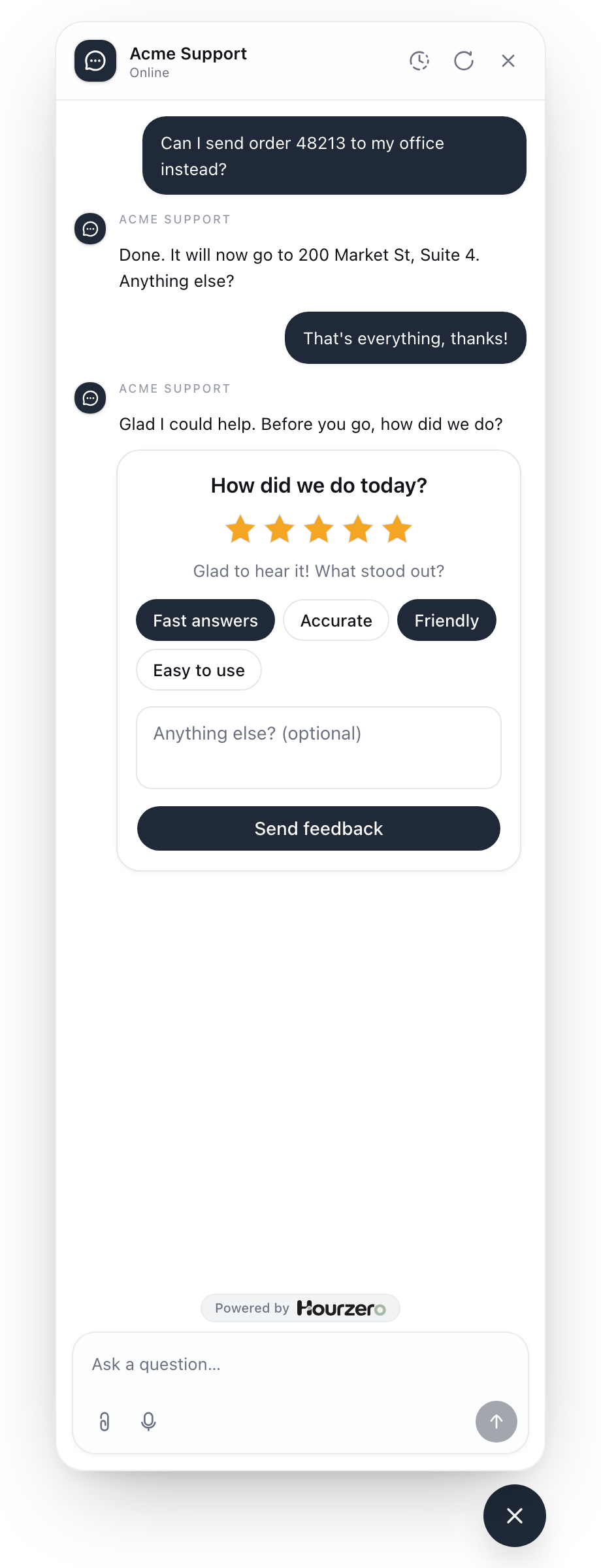
Ask how it went
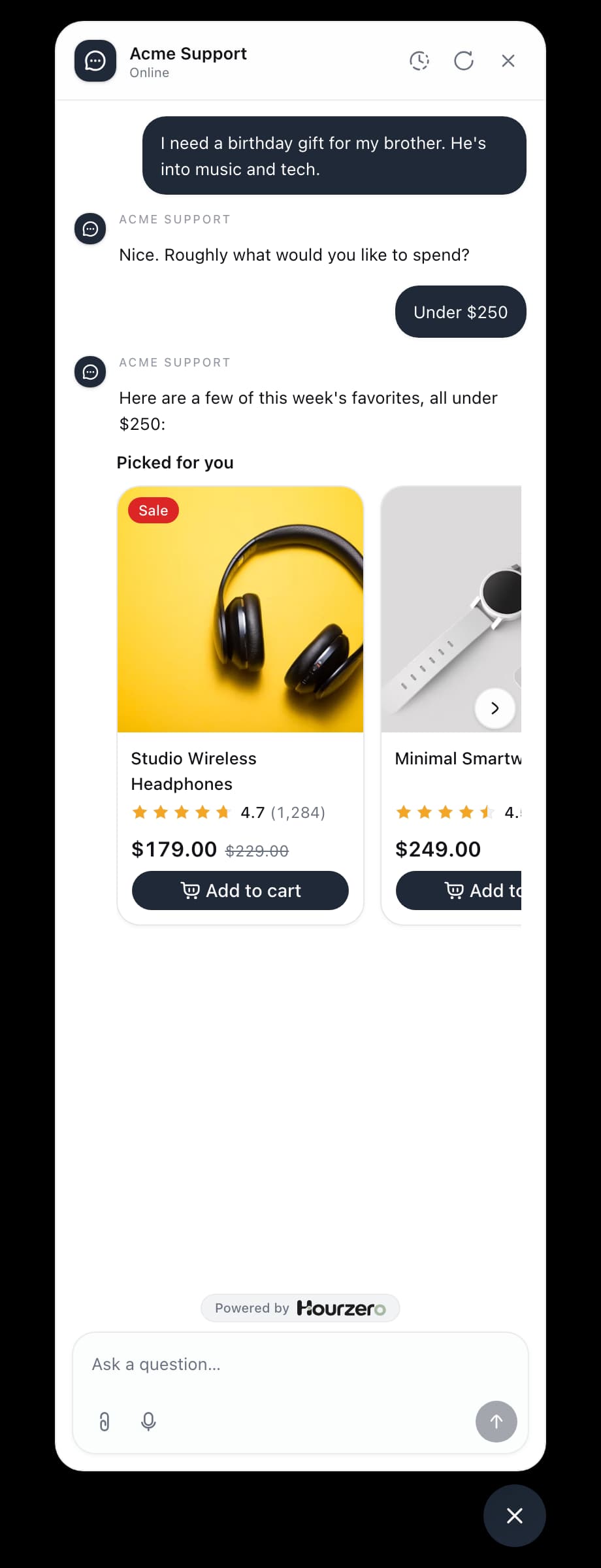
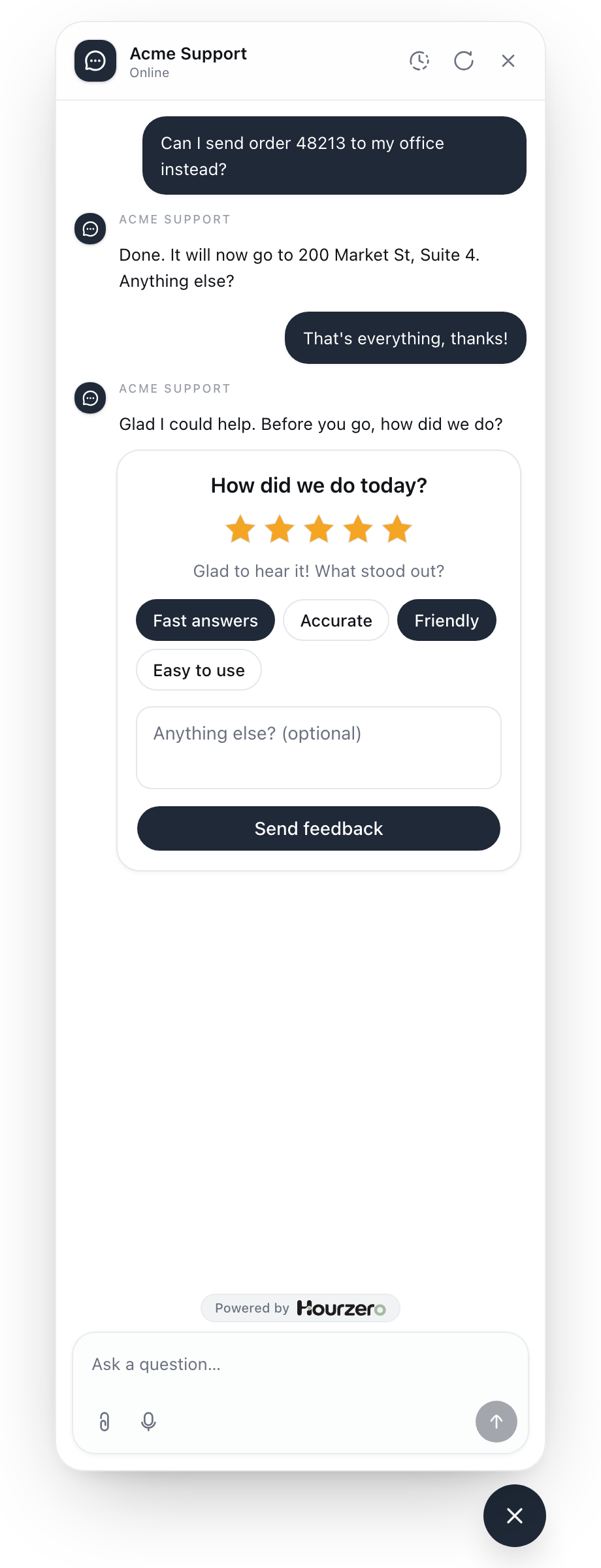
Describe it. Backstage builds it.
No code and no design tools. Tell Backstage what you have in mind, and it does the rest.
Or start from a template
Ready-made designs for carts, bookings, invoices, flight status, and more. Pick one, and Backstage fits it to the fields your API returns.
- Commerce6
- Bookings3
- Travel5
- Food & drink2
- Sales & leads3
- Support4
- Finance2
- Real estate1
- Insights4
- Productivity5
- Media & sports2
Build anything
Widgets are made of the same pieces as an app, so customers can read, choose, and act right in the chat.
Show
- Cards, lists, and tables
- Carousels and tabs
- Charts and stats
- Images, badges, and ratings
- Progress, steps, and countdowns
Ask
- Text fields and dropdowns
- Date pickers and time slots
- Star ratings and quick picks
- Sliders and quantities
- Checkboxes and switches
Do
- Send a reply to the agent
- Open a link, like checkout
- Copy a code or reference
- Run one of your actions

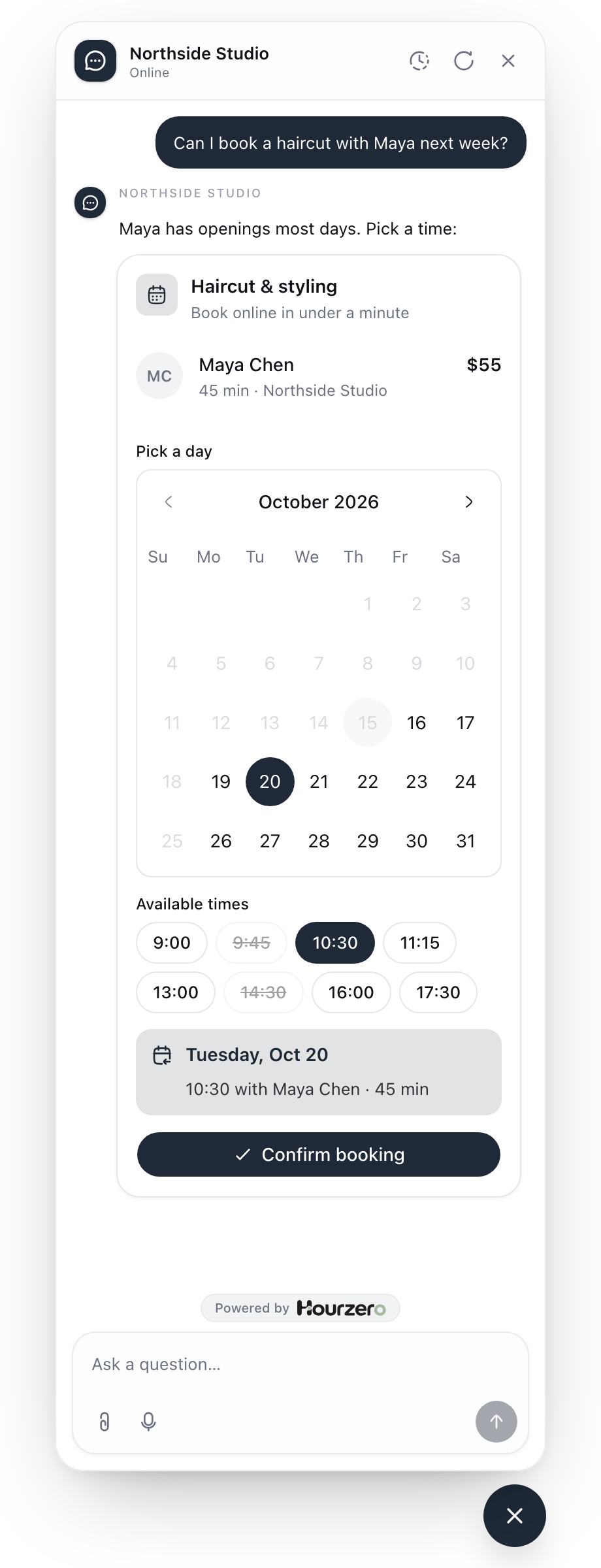
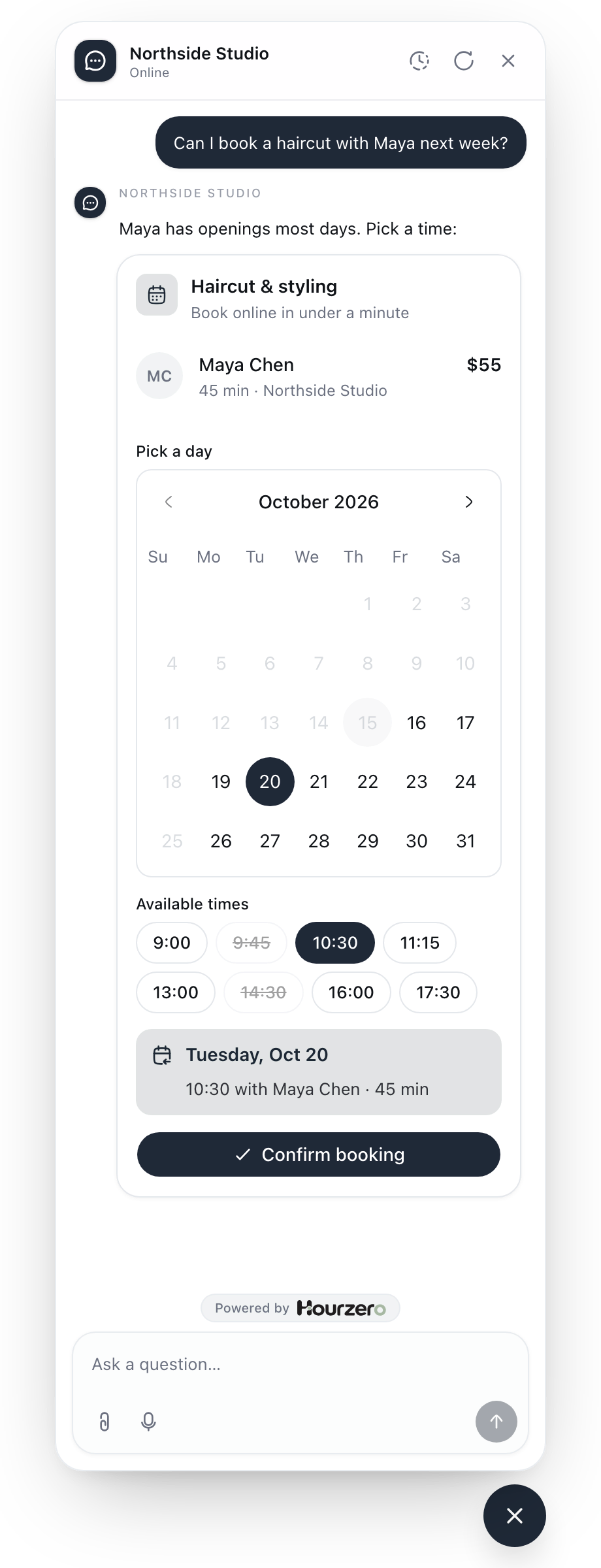
Book a time
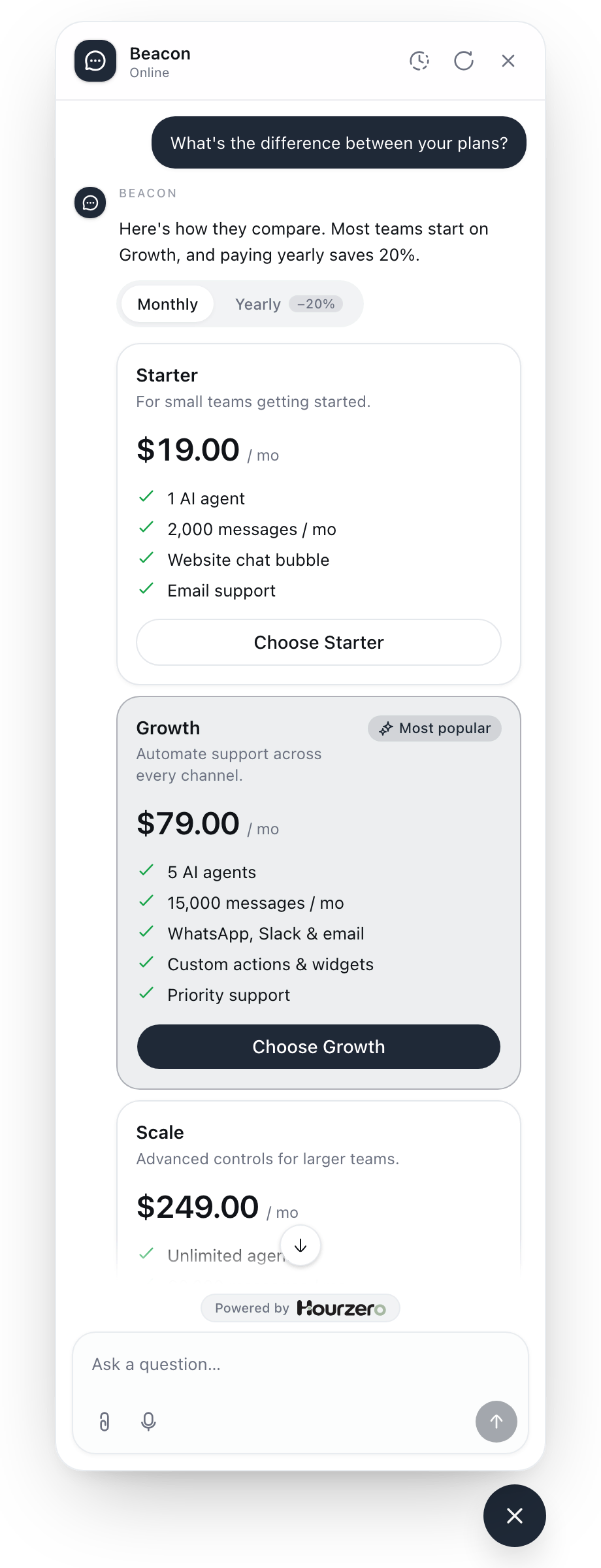
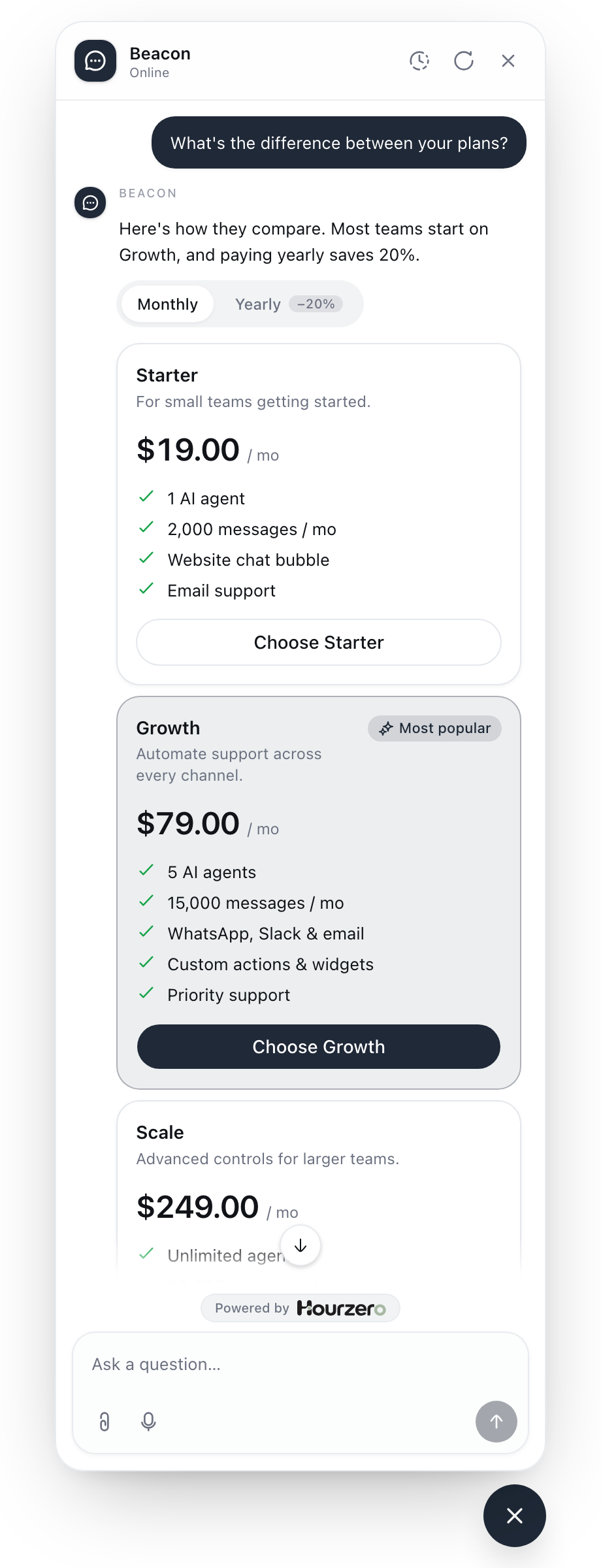
Compare plans
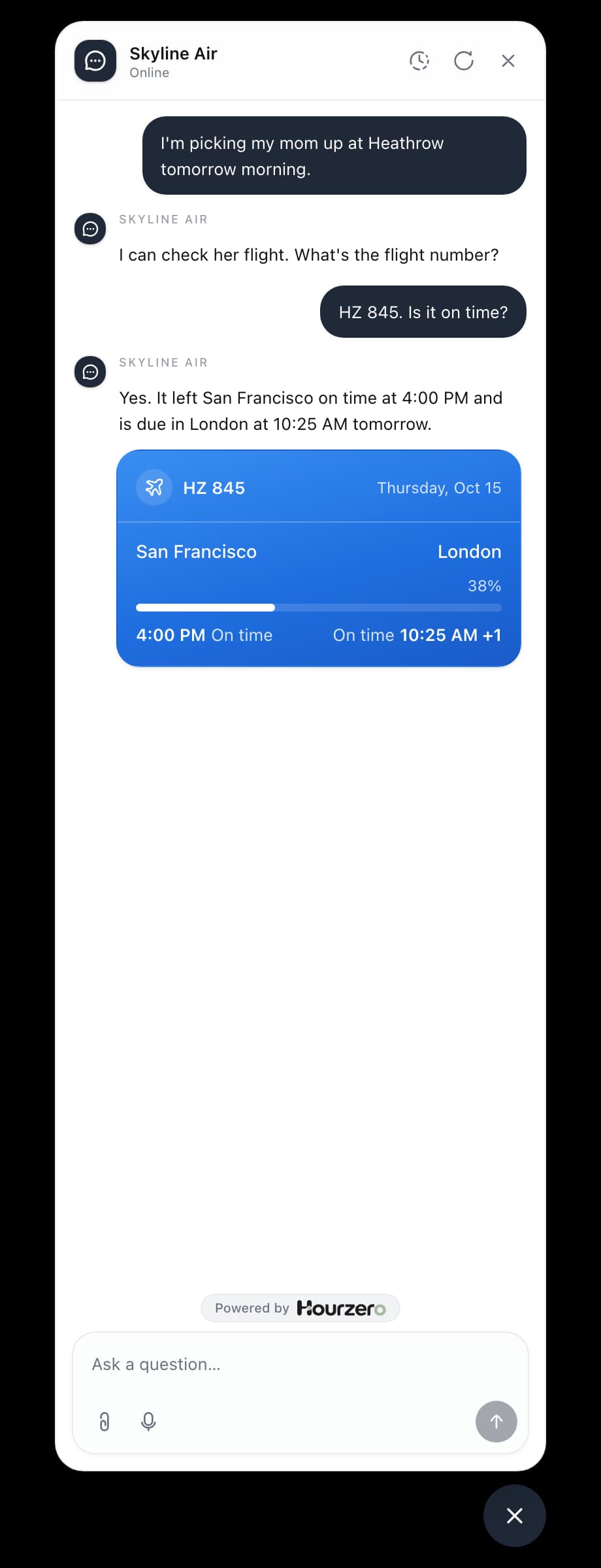
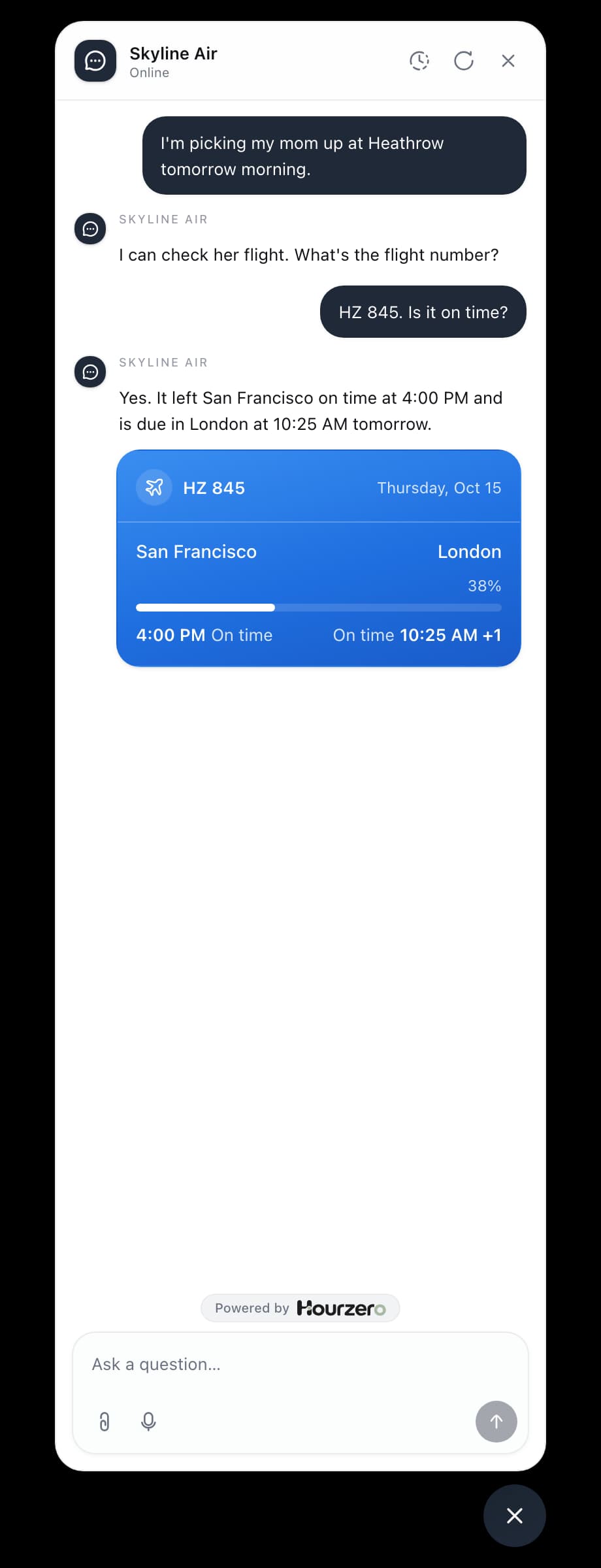
Check a flight
Safe in front of customers
Filled from your data
A widget shows what your action returned, so prices and order details come from your system, not the model.
Text where cards don't fit
Widgets show in your website chat. On other channels, or when a result doesn't fit the design, the agent answers in text.
Live when you publish
Saving a widget updates your draft. Customers see it after you test it in the Playground and publish.

Ready when your customers are
They're already asking. Train an agent on your site and have it answering by this afternoon.
- Free plan
- No credit card needed