

Suggestions
See what your agent noticed in real conversations, like missing information or unhappy customers, and fix it.
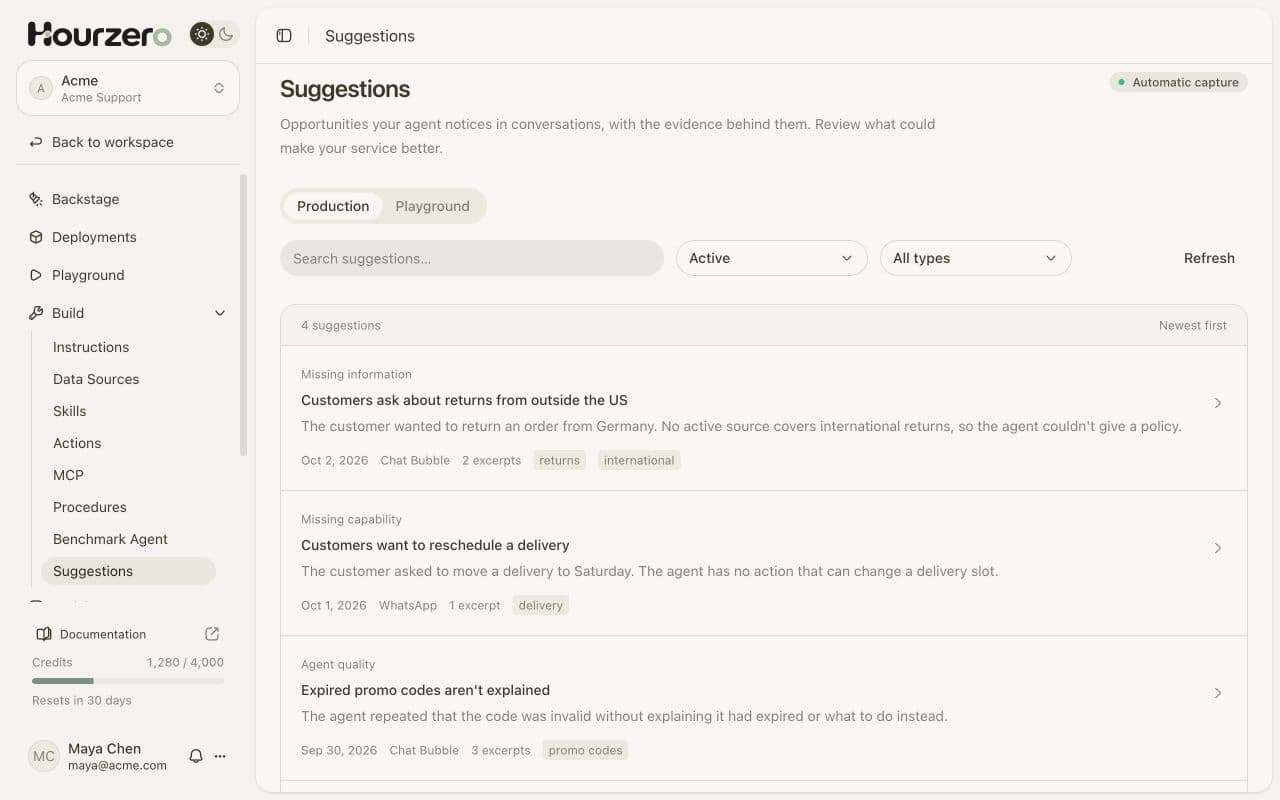
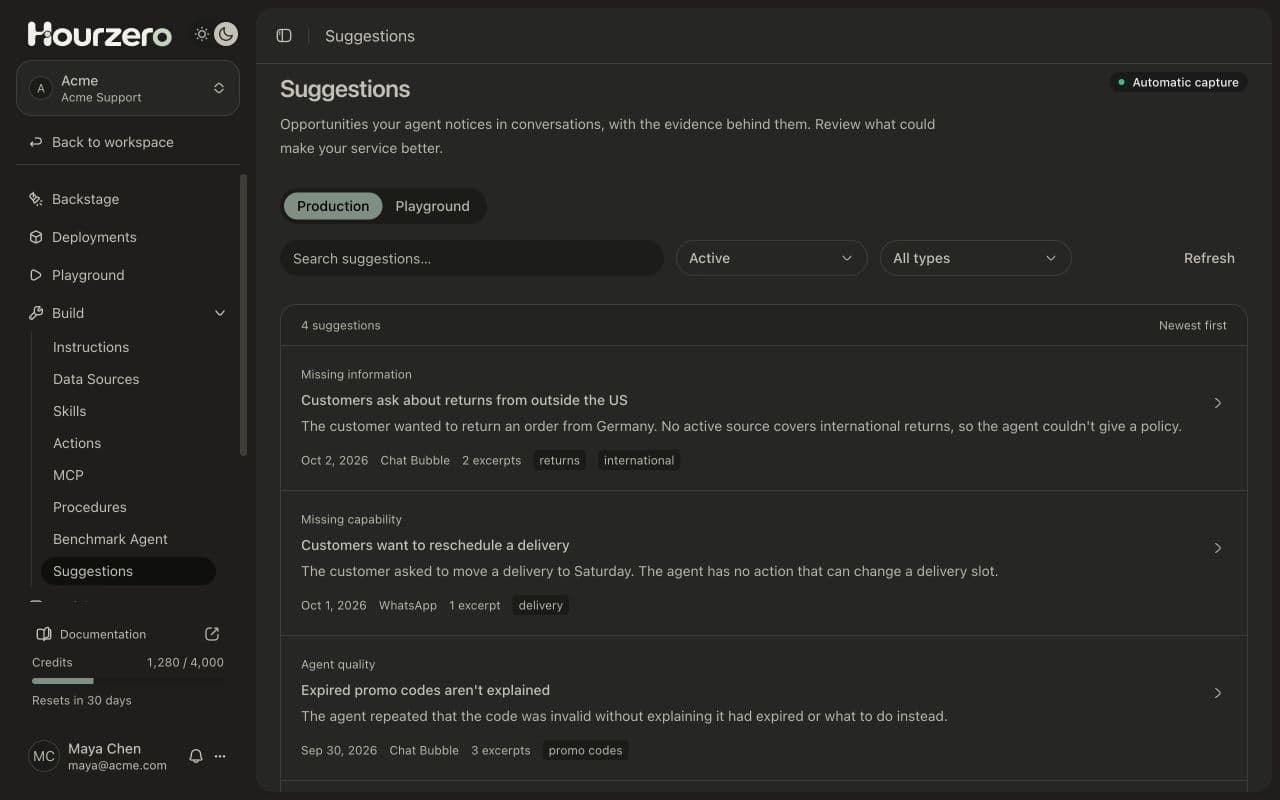
While your agent talks with customers, it quietly notes moments where your service could be better: a question it couldn't answer, a task it couldn't do, or a customer who was frustrated. The Suggestions page collects these notes, each with the customer's own words as evidence, so you know exactly what to improve.
Where to find it: open your agent and go to Build → Suggestions.
Note
This page isn't for the ready-made questions customers can tap in the chat. Those are called Suggested prompts, and you set them in the Playground on the Display tab.
How it works
You don't need to turn anything on. The page shows Automatic capture at the top because your agent records suggestions on its own, during real conversations. Customers never see this happen.
- 1ConversationA customer asks something the agent can't fully handle.
- 2CaptureThe agent notes what happened and quotes the customer.
- 3ReviewYou read the suggestion and the original chat.
- 4ImproveYou add knowledge, a capability, or better instructions.
Each suggestion gets one of these types:
| Type | What it means | Example |
|---|---|---|
| Missing information | Your knowledge didn't cover what the customer asked. | A customer asks about returns from Germany, but no source covers international returns. |
| Missing capability | The customer wanted something the agent can't do yet. | A customer wants to move a delivery to Saturday. |
| Service issue | A problem with your service itself, not the agent. | Several customers say their parcel arrived damaged. |
| Agent quality | The agent's own answer could have been better. | The agent kept saying a promo code was invalid without explaining it had expired. |
| Improvement idea | A useful idea, even when the customer was happy. | A customer suggests a size guide for jackets. |
| Other | Anything that doesn't fit the types above. |
Review your suggestions
- Go to Build → Suggestions.
- Choose Production to see suggestions from real customers, or Playground to see ones from your own tests. The two are kept apart, so your tests don't mix with real feedback.
- Narrow the list if you need to:
- Type in Search suggestions… to find a topic, for example
returns. - Use the type filter (it starts as All types) to show only one type, such as Missing information.
- Type in Search suggestions… to find a topic, for example
- Select a suggestion to open it.
The list shows the newest suggestions first. Select Refresh to load any that arrived while the page was open.
Read a suggestion
When you open a suggestion, you'll see:
- What the agent noticed: a short, neutral summary of what the customer needed and what went wrong.
- Possible improvement: the agent's idea for a fix, when it has one. Treat this as a starting point, not a final answer.
- Conversation evidence: one to three exact quotes from the customer's messages, with the date.
- Labels: short topic tags, such as
returnsordelivery.
To see the full chat, select View conversation. It opens right inside the suggestion. To read it on the Conversations page instead, select Navigate to conversation.
Tip
Always read the evidence before acting. One customer's opinion might not need a change, but the same suggestion coming up again and again is a strong signal.
Act on a suggestion
What you do next depends on the type:
- Missing information: add the answer to your data sources, for example as a Q&A pair or a text note. Then retrain and publish.
- Missing capability: consider adding an action or a procedure so the agent can handle the task, or a handoff to your team.
- Agent quality: update your instructions so the agent handles the situation better next time.
- Service issue: share it with the right team. These are often problems the agent can't fix, like late couriers or a broken checkout page.
- Improvement idea: note it for your team and decide if it's worth doing.
For example, if Acme sees "Customers ask about returns from outside the US", the fix is to add a text source called "International returns" with the policy, retrain, test the question in the Playground, and publish.
Archive suggestions you've handled
Archive a suggestion once you've dealt with it, so your list only shows what still needs attention.
- Open the suggestion.
- Select Archive suggestion. A message confirms Suggestion archived.
To see archived suggestions, change the filter from Active to Archived. Open one and select Restore suggestion to bring it back.
Tip
Make reviewing suggestions a weekly habit. Fifteen minutes on a Monday is often enough to find the one or two fixes that help the most customers.
Ask Backstage for a summary
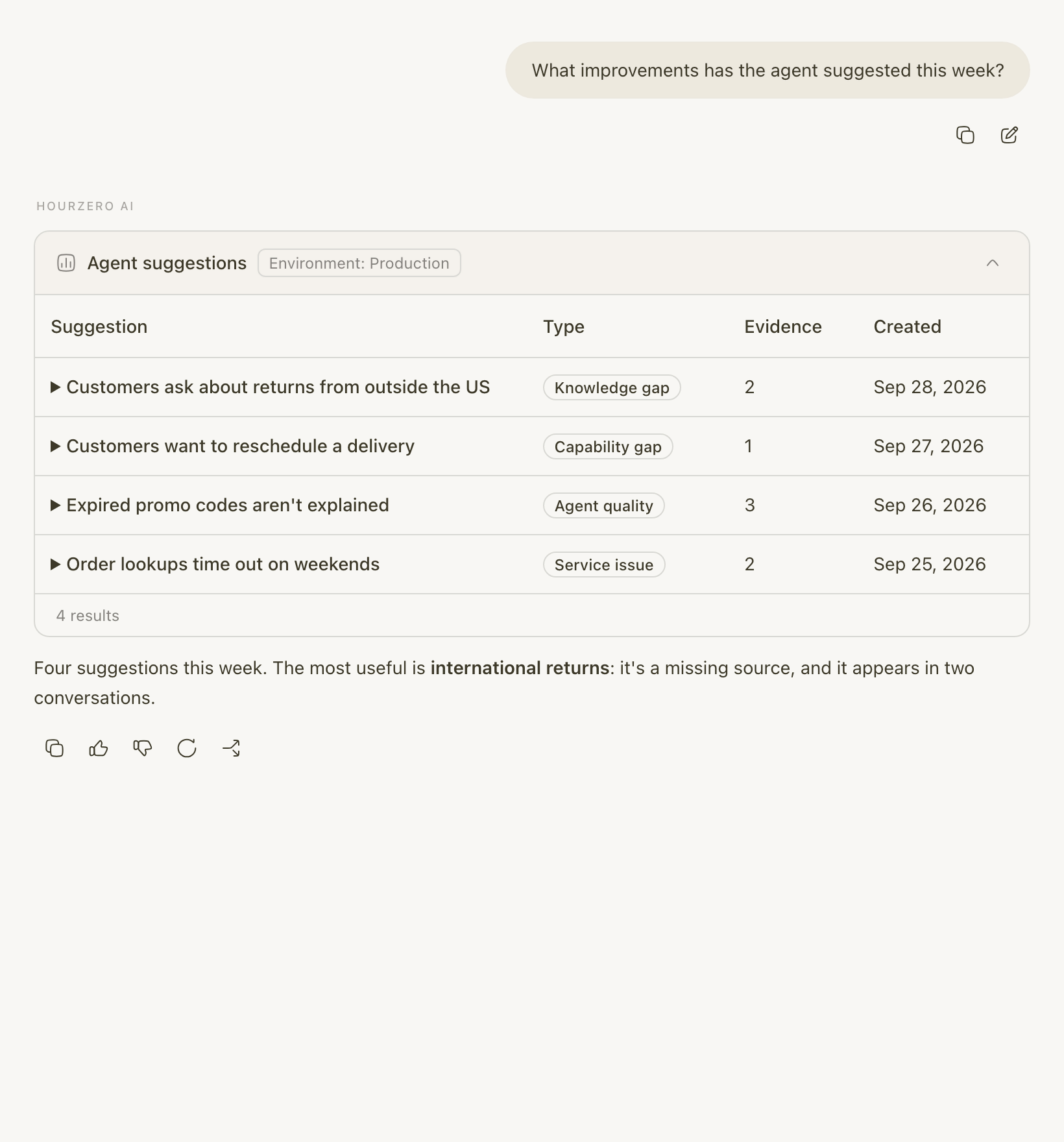
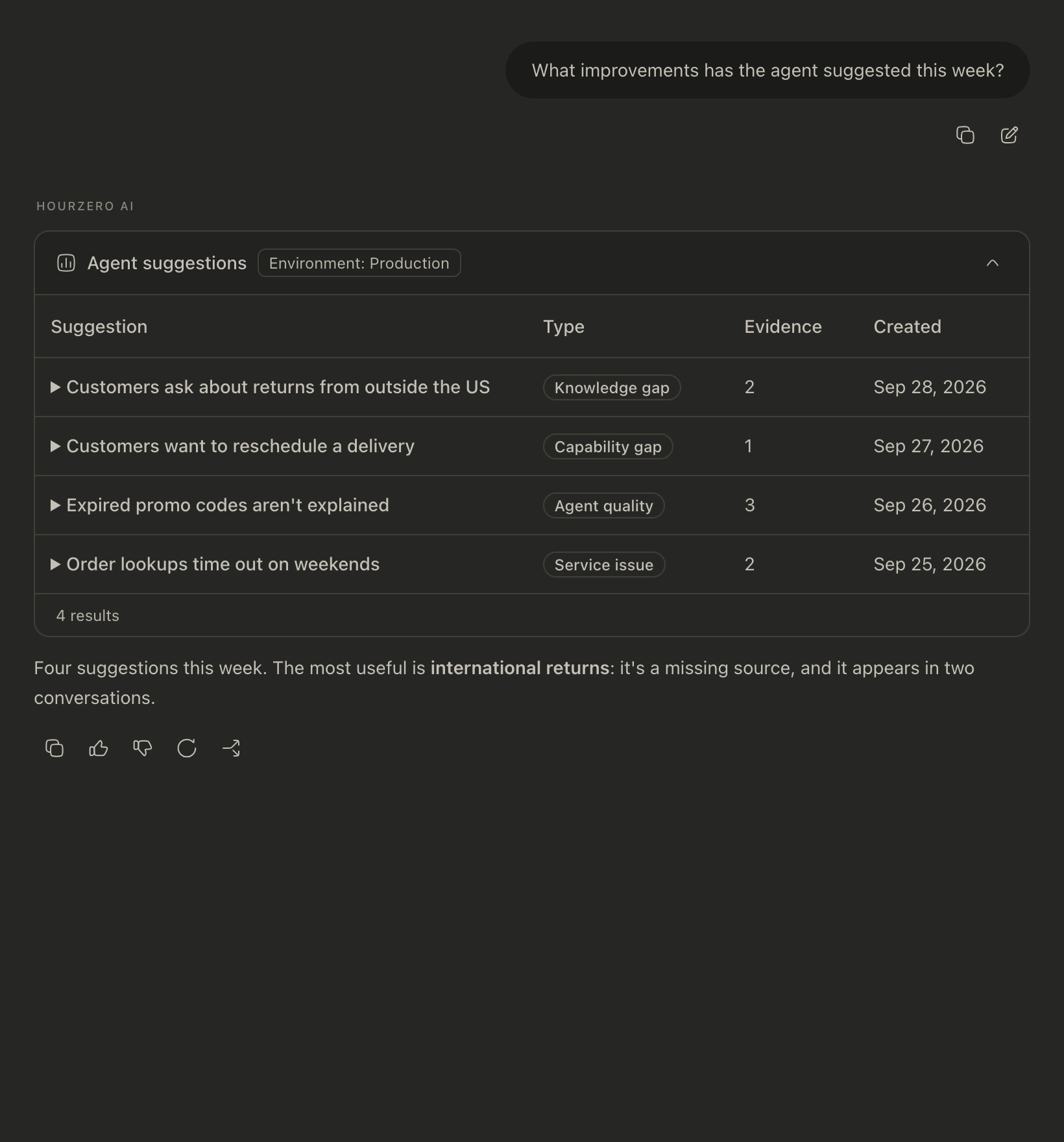
If you'd rather get a quick overview, ask Backstage, for example: "What improvements has the agent suggested this week?" It lists the suggestions and points out the most useful one.
Common questions
Why is my Suggestions page empty?
Suggestions only appear when the agent notices something worth improving. A new agent with few conversations may not have any yet. To see how it works, open the Playground tab on this page, then ask your agent a question its knowledge doesn't cover in the Playground.
Do customers know their messages are being used?
The capture happens quietly and isn't shown in the chat. The agent is told not to include personal details in its notes, and the quotes come only from what the customer wrote in that conversation.
Will the same problem show up many times?
Within one conversation, the agent reuses the same suggestion when the same issue comes up again. Across different conversations, you may see similar suggestions. That repetition helps you spot the most common problems.