

Frequently asked questions
Quick answers about saving, training, and publishing, live channels, handing chats to people, credits, and your workspace.
Short answers to the questions people ask most, grouped by theme. Each answer links to the page with the full steps.
Saving, training, and publishing
What's the difference between saving, training, and publishing?
They're three separate steps, and customers only notice the last one.
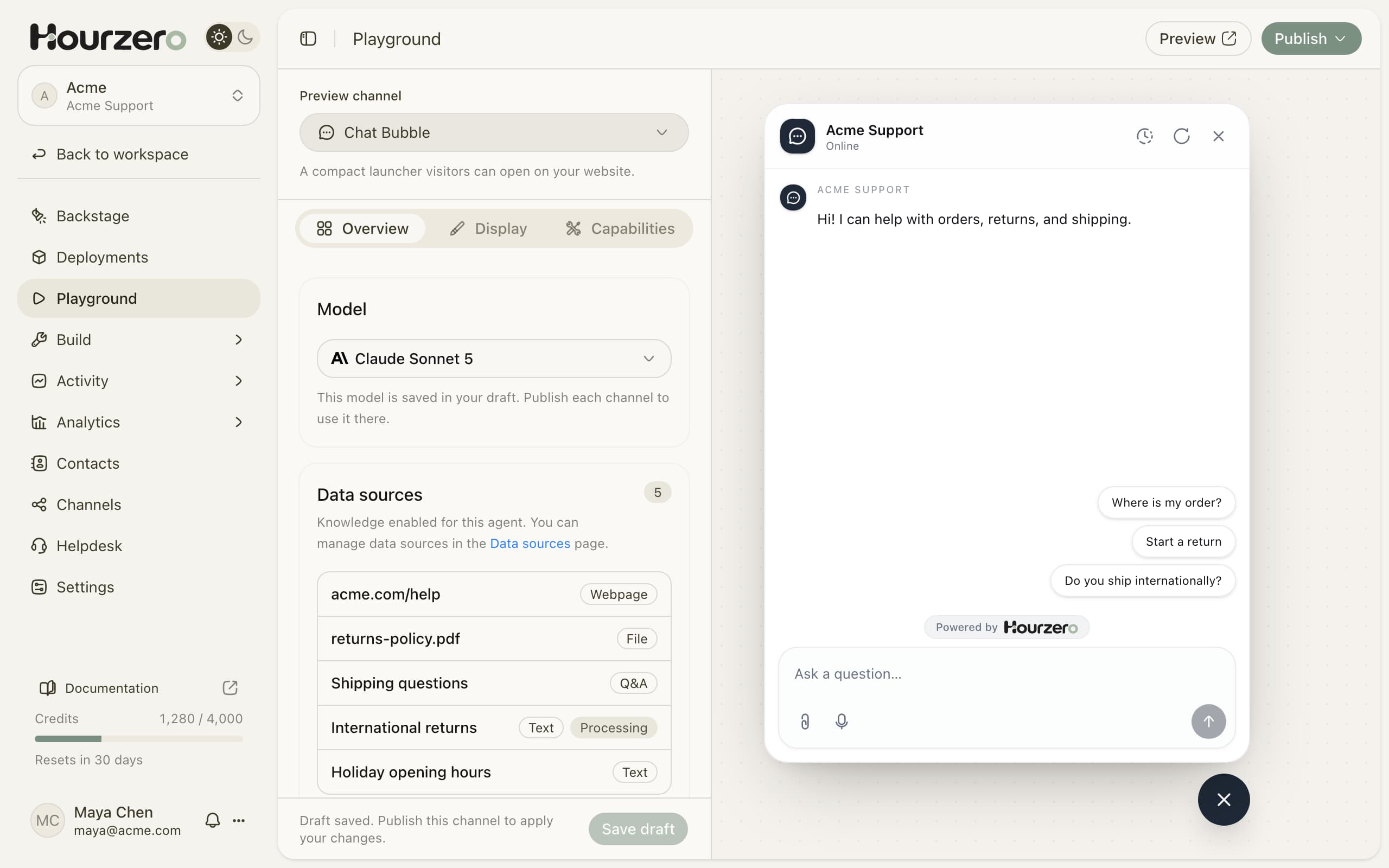
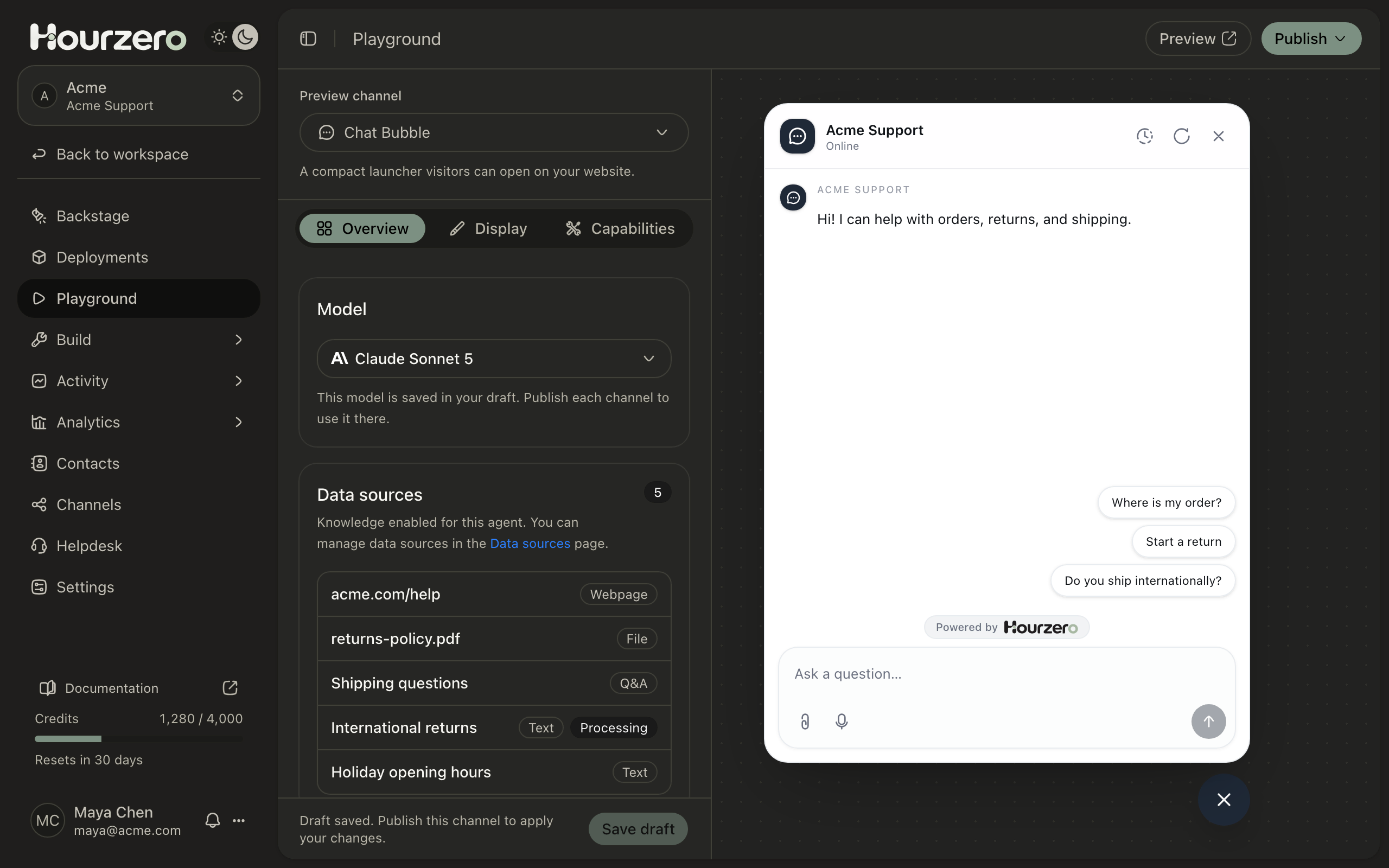
- Saving keeps your changes in the draft, your private working copy. Select Save draft in the Playground or Save changes on the Instructions page.
- Training makes the agent read your current data sources. Select Train agent (or Retrain agent) on Build → Data Sources.
- Publishing copies the saved draft to one channel, so customers there get it. Select Publish in the Playground and choose the channel.
- 1SaveKeep your changes in the draft.
- 2TrainOnly needed when data sources change.
- 3TestTry the draft in the Playground.
- 4PublishPut the draft live on one channel.
See Publishing and version history.
Do I need to retrain after every change?
No. Retrain only when you add, edit, archive, or restore a data source. Changes to instructions, the model, the look, or actions need saving and publishing, but no training.
The Data Sources page tells you when training is needed: the banner says Source changes are ready to train.
Does a new agent train on its own?
Yes, the first time. When you create an agent, training starts by itself once your sources are ready. After that, you start training yourself whenever your sources change. See Data sources.
Does publishing one channel update the others?
No. Each channel has its own live version. Publishing the Chat Bubble leaves WhatsApp, Instagram, and every other channel as they were. To update them all, publish each one.
Can I undo a publish?
Yes. Open Deployments, find the earlier version for that channel, and select Promote. Customers get that version right away. Your draft stays as it is, so fix it before you publish again. See Publishing and version history.
Do Playground tests use credits?
Yes. Every successful agent reply uses credits, including replies to your own tests. See Usage and credits.
Your website and live channels
Why isn't my change showing on my website?
Usually one of these steps was skipped:
- Save. Select Save draft in the Playground.
- Train. If you changed data sources, select Retrain agent and wait for Training complete.
- Publish the right channel. Chat Bubble and Center Stage are published separately. Select Publish → Website widget with the channel you use open.
- Reload your website. Visitors get the new version the next time a page loads.
Tip
If the channel has Use shared instructions turned off, it uses its own instructions. Changes on the Instructions page won't affect it. Edit that channel's instructions in the Playground instead.
Do I need to paste the embed code again after I publish?
No. You paste the code once. Every time you publish afterwards, your website picks up the new version on its own. See Website widget.
Can I publish the Help Page?
No. You can style and test the Help Page in the Playground, but it has no Publish option. To put the agent on your website, use Chat Bubble or Center Stage.
Which channels can I use?
Chat Bubble and Center Stage on your website, plus WhatsApp, Messenger, Instagram, Slack, Discord, Telegram, and Twilio for text messages. See Channels.
Will the agent notice when my website changes?
No. Hourzero reads your pages once, when you add them. When a page changes, edit the source or add the page again, retrain, and publish.
How do I stop the agent on one channel?
In the Playground, open that channel, turn off Agent replies on the Overview tab, select Save draft, then publish the channel. Other channels keep replying.
Handing a chat to a person
How do I take over a conversation myself?
- Open Activity → Conversations and select the chat.
- Select Pause AI. The agent stops replying in that chat.
- Type your reply in the box at the bottom and send it. The customer sees it in the same chat, under your name.
- When you're done, select Resume AI so the agent answers again.
See Conversations and human takeover.
Can the agent hand a chat to my team on its own?
Yes. Turn on the Helpdesk for the agent, then add a Human escalation action and describe when to use it, for example "the customer was charged twice". The agent opens a ticket and pauses itself in that chat, so a teammate can reply. See Human escalation and Helpdesk.
Does a paused chat start again on its own?
If the agent paused itself when it opened a Helpdesk ticket, it starts again when that ticket is set to Closed or Cancelled. Otherwise, the chat stays paused until someone selects Resume AI. Check the Paused view in Conversations so nobody waits too long.
Are contacts the same as teammates?
No. Contacts are your customers and visitors. Members are teammates who use the Hourzero dashboard. Adding a contact or collecting a lead never gives anyone access to your workspace. See Contacts and Members and invitations.
Credits and billing
What uses credits?
Two things:
- Agent replies. Each reply costs a set number of credits, depending on the AI model. For example, 1 credit with GPT-5.4 Mini or 3 credits with Claude Sonnet 5. Length doesn't matter.
- Skills that run code. These require an OpenAI, Anthropic, Gemini, or xAI model and run in the provider's code execution container. Only OpenAI and Anthropic models can read conversation files and attach generated files, up to 5 MB each. Generated files can be PDFs, images, Office documents without macros, or text files such as CSV and JSON. New replies are not charged sandbox minutes.
Customer messages, replies you write yourself, failed replies, training, Backstage, benchmarks, and Improve with AI don't use credits. See Usage and credits for a worked example.
What happens when we run out of credits?
Every agent in the workspace stops replying, including in the Playground. Upgrade your plan or wait for next month's credits. To stop one busy agent from using up everything, set a Weekly credit spend limit in its Settings.
The agent has credits but isn't replying. Why?
See Troubleshooting. The usual causes are the agent's weekly limit, a paused conversation, or Agent replies being off for that channel.
Does cancelling my plan delete anything?
No. Your plan stays active until the end of the billing period, then the workspace moves to the Free plan. Your agents and conversations stay. From then on, the Free plan's limits apply, such as 50 credits a month. See Plans, billing, and invoices.
Workspace and account
What's the difference between a workspace and an agent?
A workspace is your company's account. It holds your agents, teammates, plan, and credits. An agent is one AI assistant inside it. A shop might have one workspace with two agents: Acme Support for customers and an internal helper for staff. See Workspaces and agents.
Can I move an agent to another workspace?
Yes, if you're an owner or admin in both workspaces. Open the agent's Settings and use Transfer agent on the General tab. See Agent settings.
Do I need an API key?
No. You don't need an API key to put the agent on your website or connect any channel, and Hourzero doesn't offer a public API. The only keys you might handle belong to other services: for example, the key for your own order system goes in a Custom action's Headers.
Can I use Chatbase plugins, code, or API examples with Hourzero?
No. Hourzero works in a similar way, but it's a separate product. Use the embed code Hourzero gives you when you publish. See Feature availability.